ChatGPT
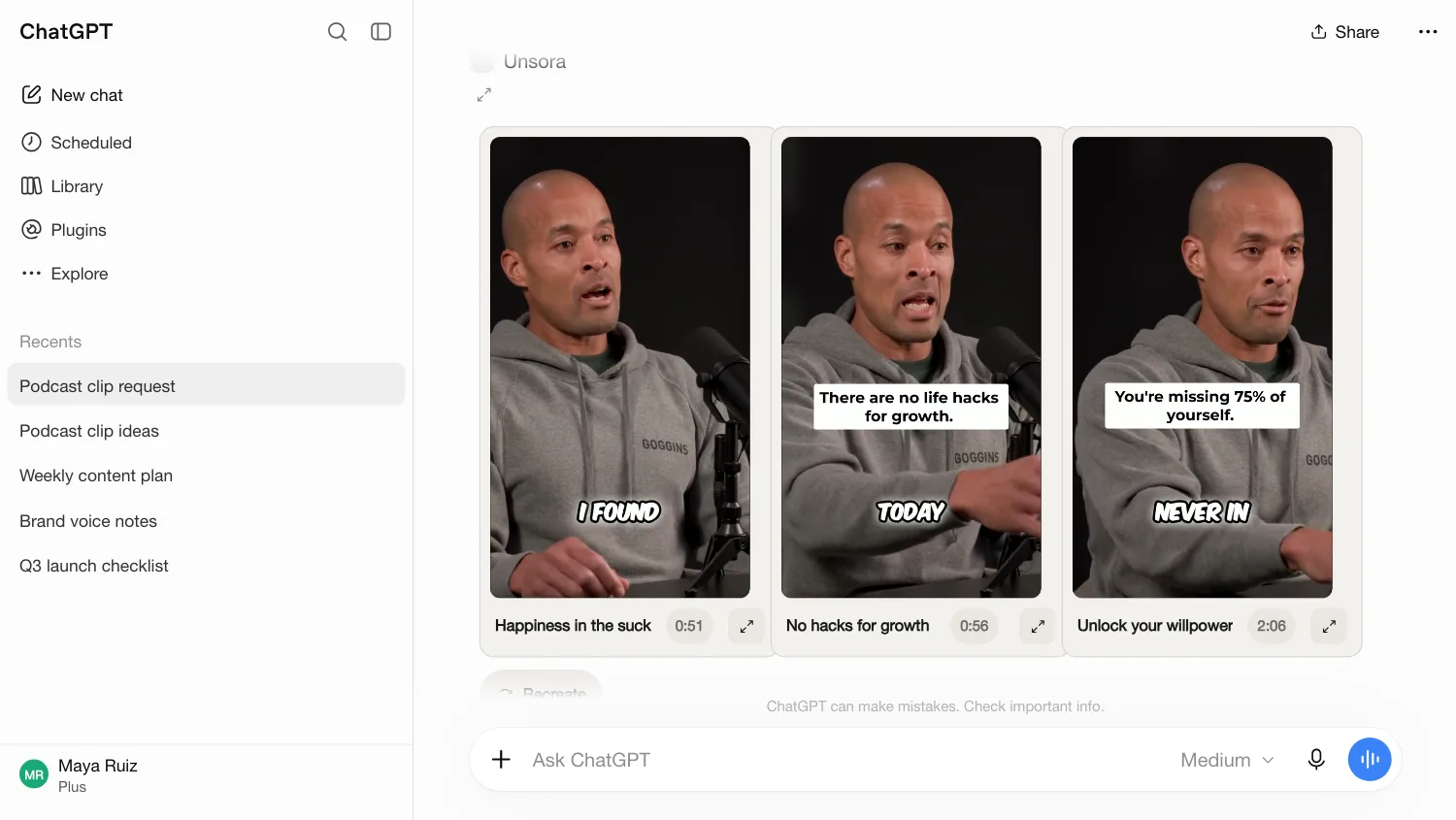
Add Unsora as a connector, then ask for media the way you ask for text: “Make a 15-second ad for this candle.” The video lands in the chat.
Unsora is a creative toolkit for AI agents. Connect ChatGPT, Claude, OpenClaw or Hermes, and it can generate video with Seedance 2.5, Kling 3, Veo 3.1 and Gemini Omni Flash, build AI influencers and thumbnails, upscale to 4K, and post to TikTok, Instagram, YouTube, Facebook and LinkedIn. All available in the Unsora webapp too.
Plans from $19/month · Cancel any time
 ChatGPT
 ClaudeClaude Code
 Cursor
 OpenClaw
 Hermesany MCP client
 Seedance 2.5
 Kling 3
 Veo 3.1
 Gemini Omni FlashNano BananaGPT Image
The old way
Ask any AI agent for a week of content and you'll get a great plan. Then the work starts:
Six logins, six credit balances, and a Downloads folder full of final_v3.mp4.
 RunwayGenerate the b-rollbroll_v2.mp4
 MidjourneyMake the product shotsproduct_final.png
 OpusClipCut the shortsclip_03.mp4
 CaptionsAdd the subtitlesclip_03_subs.mp4
 Topaz LabsUpscale to 4Kclip_03_4k.mp4
 BufferSchedule the postsfinal_v3.mp4
 Your agent should do that part too. That's why we built Unsora.
One URL, about a minute
Paste one URL into ChatGPT, Claude or your agent's config. No install.
Add Unsora as a connector, then ask for media the way you ask for text: “Make a 15-second ad for this candle.” The video lands in the chat.
Paste one URL into Customize → Connectors → + Add → Add custom connector and sign in. Claude plans the post, makes the video, clips the recording and schedules it, in one thread. Works on Claude's free plan.
See the best Claude skills for video and image →One command in the terminal. Point your agent at a folder of recordings and it'll clip, caption and queue them for the week.
Text your agent from Telegram: “Make 3 product videos for the new drop and post them Friday.” It calls Unsora whenever a job needs a video, an image or a post.
The toolkit
Most AI video tools stop once the file exists. With Unsora, your agent also clips it, captions it and posts it.
01 · MAKE
Your agent generates video from a prompt or reference images with Seedance 2.5, Kling 3, Veo 3.1 and Gemini Omni Flash.
02 · MAKE
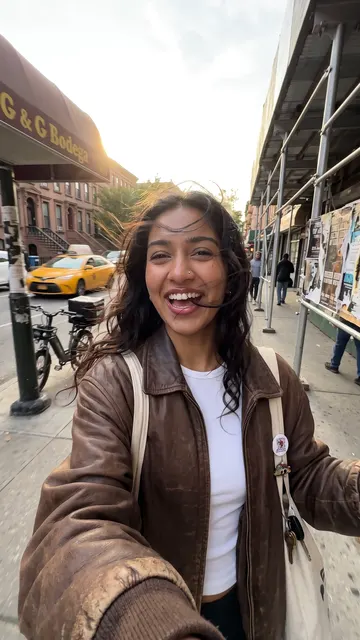
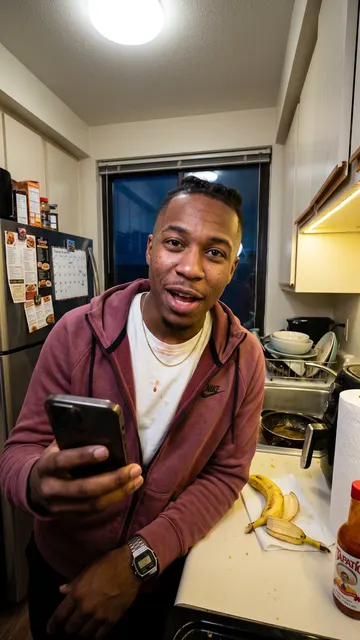
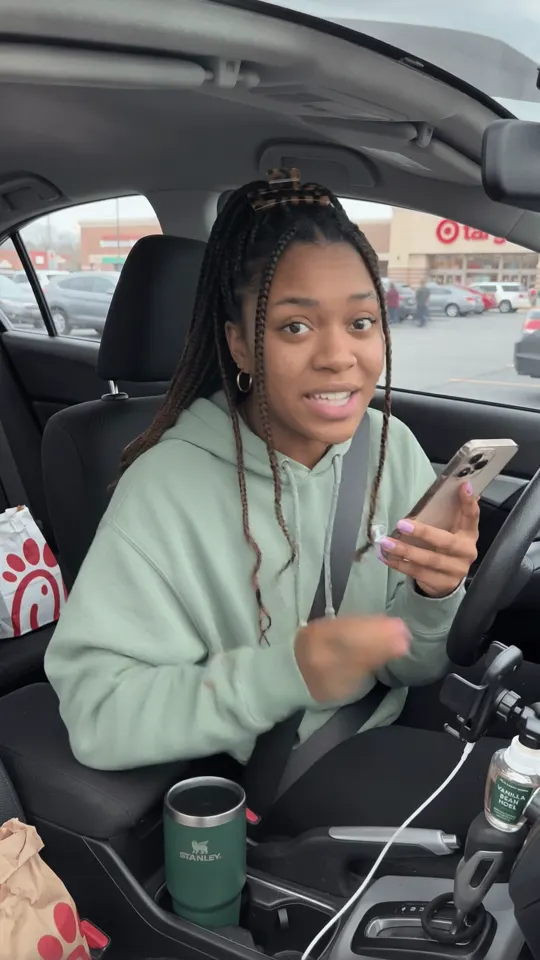
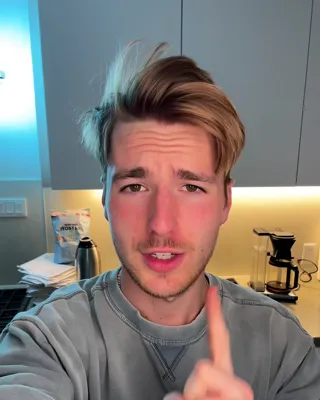
Build a recurring AI presenter who looks the same in every clip. Write the lines, and your agent puts them on camera. Here's how to keep one AI influencer consistent across videos.
03 · MAKE
Give your agent a photo of you, a thumbnail you like and the video's script or link. It makes one in that style, with your face on it.
04 · CLIP AND CAPTION
Your agent finds the strongest moments, reframes them with the speaker centred, and burns in captions that animate on each spoken word. Or it pulls exactly the moments you describe: “every product demo”.
05 · ENHANCE
Your agent upscales images to 8K and video from 1080p to 4K, or animates a still with the motion from a reference clip.
06 · POST
Your agent posts now or later to YouTube, TikTok, Instagram, Facebook and LinkedIn, with a different caption for each. Ask “what's in my queue this week?” and it tells you.
Chain it
Your agent runs it in order: clip, wait, make the thumbnails, schedule. Your part is the instruction and the review.
> Take this webinar, find the 5 best moments, cut them 9:16 with yellow captions, make a thumbnail for each, and schedule one a day across TikTok and Instagram starting Monday at 9am.
Clip
create_clipping
5 moments, 9:16, yellow captions
Wait
wait_for_clipping
Minutes, not hours
Thumbnails
create_thumbnail
One per clip
Schedule
create_post
Mon to Fri, 9:00
The web studio
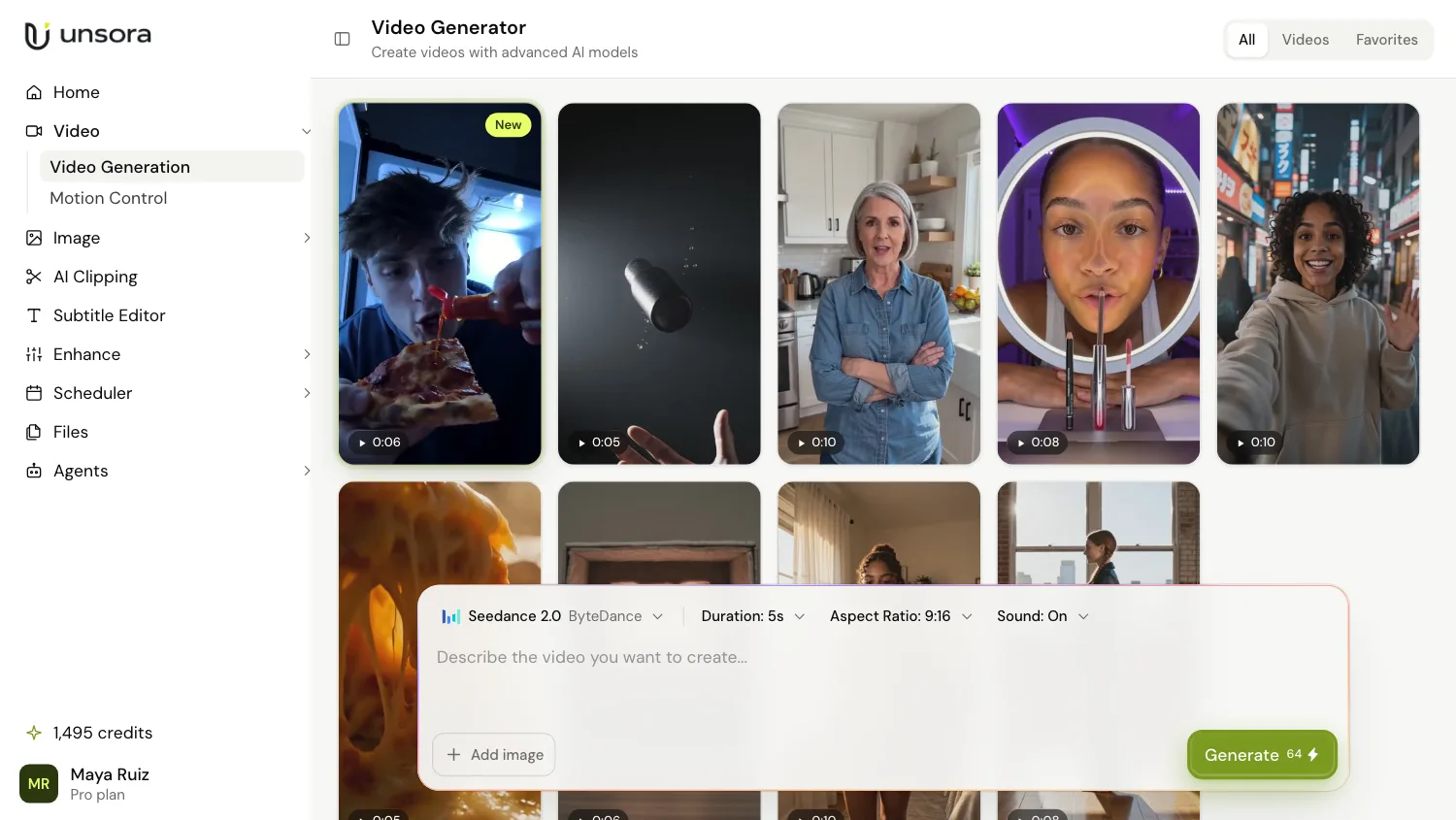
Every tool your agent uses also works in the Unsora web app. Generate, clip, caption, upscale and schedule from one dashboard, on the same plan and the same credits.
Every plan includes MCP access for every agent, every model, clipping and scheduling.
$19/month
$39/month
$149/month
Unsora is a creative toolkit for AI agents. Connect it to ChatGPT, Claude, OpenClaw or Hermes and your agent can generate video and images with Seedance 2.5, Kling 3, Veo 3.1 and Gemini Omni Flash, build AI influencers, make thumbnails, clip long videos, upscale to 4K and schedule posts to TikTok, Instagram, YouTube, Facebook and LinkedIn. New to this? Read what an AI influencer is and how to launch one.
In Claude, go to Customize → Connectors → + Add → Add custom connector, paste https://mcp.tryunsora.com/mcp and sign in. In ChatGPT (paid plans), turn on Developer mode under Settings → Connectors, create a connector and paste the same URL. Full steps for every agent are on the connector page.
ChatGPT (paid plans), Claude on web, desktop and mobile (free plan included), Claude Code, Cursor, OpenClaw, Hermes, and any agent that connects to remote MCP servers over Streamable HTTP.
They're separate products from separate companies. Sora is OpenAI's video model, and OpenAI shut down the Sora API in September 2026. Unsora is an independent creative toolkit for AI agents, built on Seedance 2.5, Kling 3, Veo 3.1 and Gemini Omni Flash.
On its own, ChatGPT is best at scripts and prompts. Connect Unsora and it can generate video with Seedance 2.5, Kling 3, Veo 3.1 or Gemini Omni Flash, clip your long videos into captioned shorts, and schedule them, all from the same chat.
For short-form, yes. With Unsora connected, your agent can clip a long video, reframe it, burn in captions, translate them and schedule the result. Frame-by-frame editing still belongs in a video editor.
Unsora gives your agent Seedance 2.5, Kling 3, Veo 3.1 and Gemini Omni Flash on one credit balance, from $19 a month. Sora is no longer available anywhere through the API, since OpenAI shut it down in September 2026.
YouTube, TikTok, Instagram, Facebook and LinkedIn. Instagram needs a professional account. You can also queue posts yourself in the scheduler: post once, publish everywhere.
$19 a month for 500 credits, $39 for 1,100, or $149 for 5,000. Every plan includes every model, clipping, scheduling and MCP access for every agent, with a 3-day free trial.
Unsora is a paid service with a 3-day free trial on every plan. The free tools (downloaders, converters, resizers) need no account and cost nothing.
Yes. Everything your agent generates comes with commercial rights, at full resolution.
Images take seconds. Videos and clip runs take a few minutes, longer for a 2-hour source. Your agent waits for the job and hands you the file when it's done.
Unsora only asks for the access it needs to publish, like uploading videos and reading your channel info. It never posts without your action, and never sells or reuses that data.
Yes. Everything your agent can do also works in the Unsora web app, if you prefer a browser.
No. Connecting an agent is a settings change. There's a REST API for developers who want one, with the developer docs to match.
Unsora is a creative toolkit for AI agents. Connected to ChatGPT, Claude, OpenClaw or Hermes, it lets your agent generate video and images with Seedance 2.5, Kling 3, Veo 3.1 and Gemini Omni Flash, build AI influencers, make thumbnails, clip long videos into captioned shorts, upscale to 4K and schedule posts to TikTok, Instagram, YouTube, Facebook and LinkedIn. More about Unsora →
Last updated: 26 September 2026
One URL, about a minute to connect.
Connect your AI agentConnects in under a minute · 3-day free trial · Commercial rights included