


Free tools/Twitch emote resizer
Twitch Emote Resizer
Drop in one image and get all three Twitch emote sizes back, correctly compressed and ready to upload.
- Runs in your browser, your image is never uploaded
- Animated GIFs supported
- Free, no account, no watermark
- Downloads as a ZIP with all sizes named correctly
Upload only artwork you own or have the rights to use. Twitch reviews every emote before it goes live.
How it works
01
Drop your artwork in
PNG, JPG, WEBP or GIF. Square art works best. Anything else gets padded, not stretched.
02
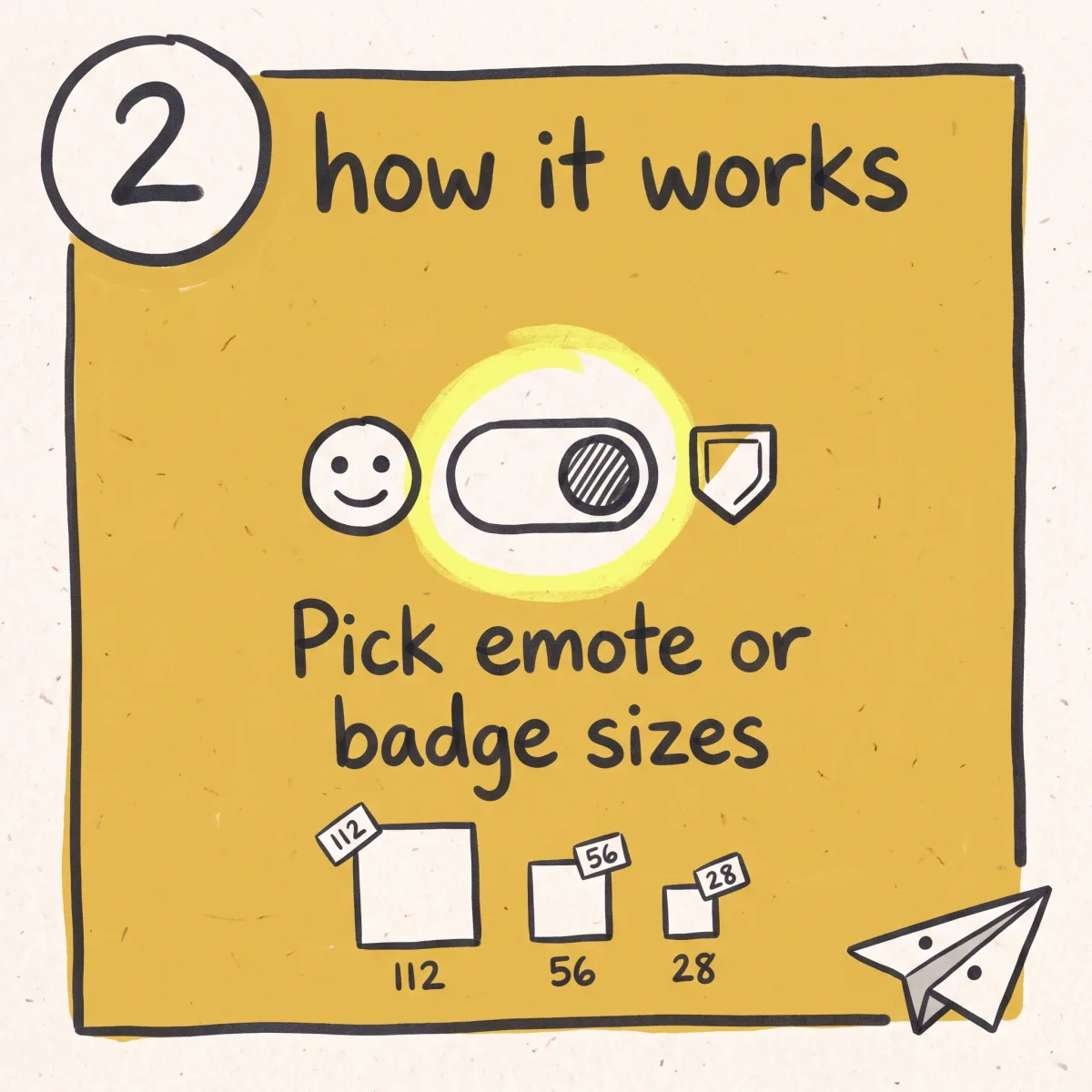
Pick emotes or badges
Emotes give you 112x112, 56x56 and 28x28. Sub badges give you 72x72, 36x36 and 18x18.
03
Download the ZIP
Every size is exported separately, compressed under the limit, and named so you know which is which.
What you get
All three sizes in one pass
Twitch asks for 112x112, 56x56 and 28x28. You get all three from one upload instead of exporting three times.
Animated GIFs kept animated
Frame timing and loop settings survive the resize. Most resizers flatten a GIF to its first frame and hand you a still image.
Compressed to fit the limit
Files over the ceiling get compressed automatically. Dimensions are only half of what Twitch checks.
Transparency preserved
Alpha channels come through intact. No white box behind your emote in dark mode.
Sub badges too
Badges use 72x72, 36x36 and 18x18, a different spec from emotes. Switch the toggle and the tool switches with it.
No emote yet? Make one first.
Unsora generates emote artwork straight from a description inside ChatGPT or Claude, then you bring it back here to size. Eleven creator tools, from $19/mo, 3-day free trial.
Getting a Twitch emote to the right size
Twitch shows your emote at three different sizes depending on where it appears. The full 112x112 shows in the emote picker and in the sub perks list. 56x56 is what most people see in chat. 28x28 is the small one, used in dense chat views and on some mobile layouts. Twitch does not scale one file down for you. You upload all three, and each one has to be exactly right.
That's the part people underestimate. A design that reads clearly at 112 pixels often turns to mush at 28. Thin outlines disappear. Text becomes a smudge. Detailed faces lose their expression. The 28x28 version is the real test of an emote, and it's the reason this tool shows you all three side by side before you download anything. If the small one doesn't read, go back and simplify the art before you go back and resize it.
Square source art gives the best result. If your image isn't square, it gets padded with transparency to a square canvas rather than stretched, because a stretched emote looks wrong in a way that's hard to unsee.
Animated emotes and why they usually fail
Animated emotes are a different job from static ones, and this is where most uploads get rejected. The dimensions are the same three sizes. Everything else is stricter.
An animated emote has a hard file size ceiling, a frame count limit, and a maximum loop duration. A 30-frame GIF that looks fine on your desktop can be several times over the ceiling once it's a 112x112 file, and Twitch will reject it without telling you which rule you broke. The usual fix is fewer frames, not a smaller canvas. Dropping from 60 frames to 24 typically cuts the file more than any amount of resizing will.
Most free resizers make this worse by treating a GIF as a still image. You upload an animation, you get back the first frame as a PNG, and you don't notice until you've already uploaded it. This tool keeps the animation, keeps the frame timing, keeps the loop, and compresses the result to fit rather than silently flattening it.
Sub badges use a different spec
Subscriber badges are not emotes and they don't use emote dimensions. Badges are 72x72, 36x36 and 18x18, and they have their own much tighter file size limit because they render next to every message a subscriber sends.
This trips people up constantly, because the two things get made in the same design session and uploaded through the same creator dashboard. If you've been handed a badge that was exported at 112x112, it will not upload. Switch the toggle above to Sub badges and run the same artwork through again.
Badges are also small enough that detail is essentially impossible. Treat 18x18 as a silhouette, not a picture.
When you don't have the artwork yet
Every resizer assumes you already have an emote. Most people looking one up don't. They have an idea, a channel, and no illustrator.
Unsora closes that gap. It hooks into ChatGPT, Claude and other assistants over MCP, so asking for an emote is a sentence rather than a brief, and the artwork arrives in the thread you asked in. No new app, no prompt syntax to learn, no separate tab. Once you have artwork you like, bring it here and size it for upload.
Emote art is one use of eleven tools on the same subscription, which also covers video generation, AI influencers, clipping, subtitles, upscaling and social scheduling. Plans start at $19/mo for 500 credits, with a 3-day trial on every tier. The resizer stays free either way.
Next steps
Art needs to be square? crop it square before resizing.
Same art for your stream? turn it into a stream thumbnail too.
More tools for your assistant? see every Unsora skill.
Related tools
Other free tools you might need next
Honest limits
What this tool does
- Exports 112x112, 56x56 and 28x28 for emotes, or 72x72, 36x36 and 18x18 for badges
- Keeps animated GIFs animated, with frame timing and loop intact
- Preserves transparency
- Compresses output to fit the file size ceiling
- Pads non-square images with transparency instead of stretching them
- Processes everything in your browser, with no upload, no storage and no account
What it doesn't do
- It doesn't draw or redraw your emote. It resizes what you give it.
- It doesn't rescue a low-resolution source. Feed it a 64x64 image and the 112x112 export will be blurry, because the pixels aren't there.
- It doesn't add frames, change animation speed, or edit your GIF beyond resizing and compressing it.
- It doesn't upload to Twitch for you. You still add emotes through your Creator Dashboard.
- It doesn't guarantee approval. Twitch reviews emotes against its content guidelines and can reject art that meets every technical requirement.
- It doesn't remove backgrounds. If your source has a white box behind it, so will the output.
Checklist
What to check before you use any emote resizer
Free image tools are a category with a trust problem, and emote resizers specifically get built as ad shells. Five things worth checking on any of them, including this one:
01
Does the image leave your device?
Resizing is simple enough to do entirely in the browser. If a tool uploads your artwork to a server, ask what happens to it afterwards and whether the answer is written down anywhere.
02
Does it export all three sizes, or just the one you picked?
Twitch needs three files. A tool that gives you one and makes you run it again twice is doing a third of the job.
03
Does it survive a GIF?
Upload an animated file and check the output actually moves. Flattening an animation to its first frame is the most common silent failure in this category.
04
Does it handle the file size limit, not just the dimensions?
Correct pixel dimensions with an oversized file still gets rejected at upload. Compression is the half most tools skip.
05
Does it ask you to install something?
Nothing about resizing an image requires a desktop app, a browser extension, or an account. If it does, that's the product, and the resizing is the bait.
Need the emote, not just the resize?
The hard part of an emote is never the resize. It is having art that still reads at 28 pixels, which is a drawing problem, not a file problem.
Unsora draws it. Describe the emote inside ChatGPT or Claude and the artwork comes back in the same chat, then size it here. Eleven creator tools in one subscription: generation, clipping, subtitles, upscaling and scheduling. From $19/mo, 500 credits, 3-day free trial. The resizer is free and stays free.
Start the free trialFAQ
Common questions
What size does a Twitch emote need to be?
Three sizes: 112x112, 56x56 and 28x28 pixels. You upload all three. Twitch does not generate the smaller ones from the large one.
What file format do Twitch emotes use?
PNG for static emotes, GIF for animated ones. Both should have a transparent background unless you specifically want a solid block behind your art.
Why did Twitch reject my emote even though the size was right?
Almost always the file size, not the dimensions. Emotes have a byte ceiling as well as a pixel one, and animated emotes have a much stricter one plus limits on frame count and loop length. This tool compresses to fit, which removes the most common cause.
Can I resize an animated emote here?
Yes. Drop in a GIF and you get animated output at all three sizes, with frame timing and loop preserved. You don't get a still frame back.
My GIF is still too big after resizing. What now?
Cut frames. File size on an animated emote scales with frame count more than with dimensions, so going from 60 frames to 24 usually does more than any resize will. Trimming dead frames at the start and end of the loop is the easiest win.
What size are Twitch sub badges?
72x72, 36x36 and 18x18, a different spec from emotes, with a tighter file size limit. Use the Sub badges toggle above.
Can I use this for channel point icons?
Yes. Channel point reward icons use the same square format, and the emote sizes cover the common cases. Check your dashboard for the exact requirement before uploading.
Does it work for Discord or YouTube emotes?
The output sizes here are Twitch's. Discord and YouTube use their own dimensions, so run the artwork through with the size you need rather than assuming Twitch's sizes transfer.
Is my image uploaded anywhere?
No. Everything happens in your browser. The file never leaves your device, which also means nothing to delete afterwards.
Do I need an account?
No. No account, no email, no watermark, and no cap on how many you run.
Does it work on a phone?
Yes. It runs in a mobile browser and the drop zone doubles as a file picker. Large animated GIFs process more slowly on a phone than on a desktop.
Why does my emote look blurry at 112x112?
Your source image is smaller than 112 pixels, so the tool is scaling up. Resizing can't add detail that was never captured. Start from art that's at least 112x112, ideally larger.
My emote isn't square. What happens?
It gets padded with transparency to a square canvas rather than stretched. Your art keeps its proportions and the extra space stays invisible against any chat background.
How many emote slots do I have?
That depends on your Affiliate or Partner status and your subscriber tier count, and Twitch changes the allocations periodically. Check the Emotes page in your Creator Dashboard for your current number rather than trusting any third-party list, including this one.
Built and maintained by the Unsora team.
Twitch's emote and badge requirements last verified against Twitch's official guidelines on August 14, 2026.
Changelog
August 14, 2026. Page published. Emote and badge specs verified against Twitch's guidelines.