


Free tools/Profile picture cropper
PFP Cropper and Avatar Cropper
Drop in a photo, frame the circle, and download a profile picture that lands the way you framed it.
- Runs in your browser, your photo is never uploaded
- Circle preview, square file, so nothing gets clipped
- Free, unwatermarked, and nothing gated behind a sign-in
- Exports up to 4096 pixels, or any size you type
Use a photo you own or have permission to use. Nothing you drop here is uploaded, stored or logged.
How it works
01
Drop your photo in
JPG, PNG, WEBP, HEIC or GIF. Any size, any shape. Nothing leaves your browser.
02
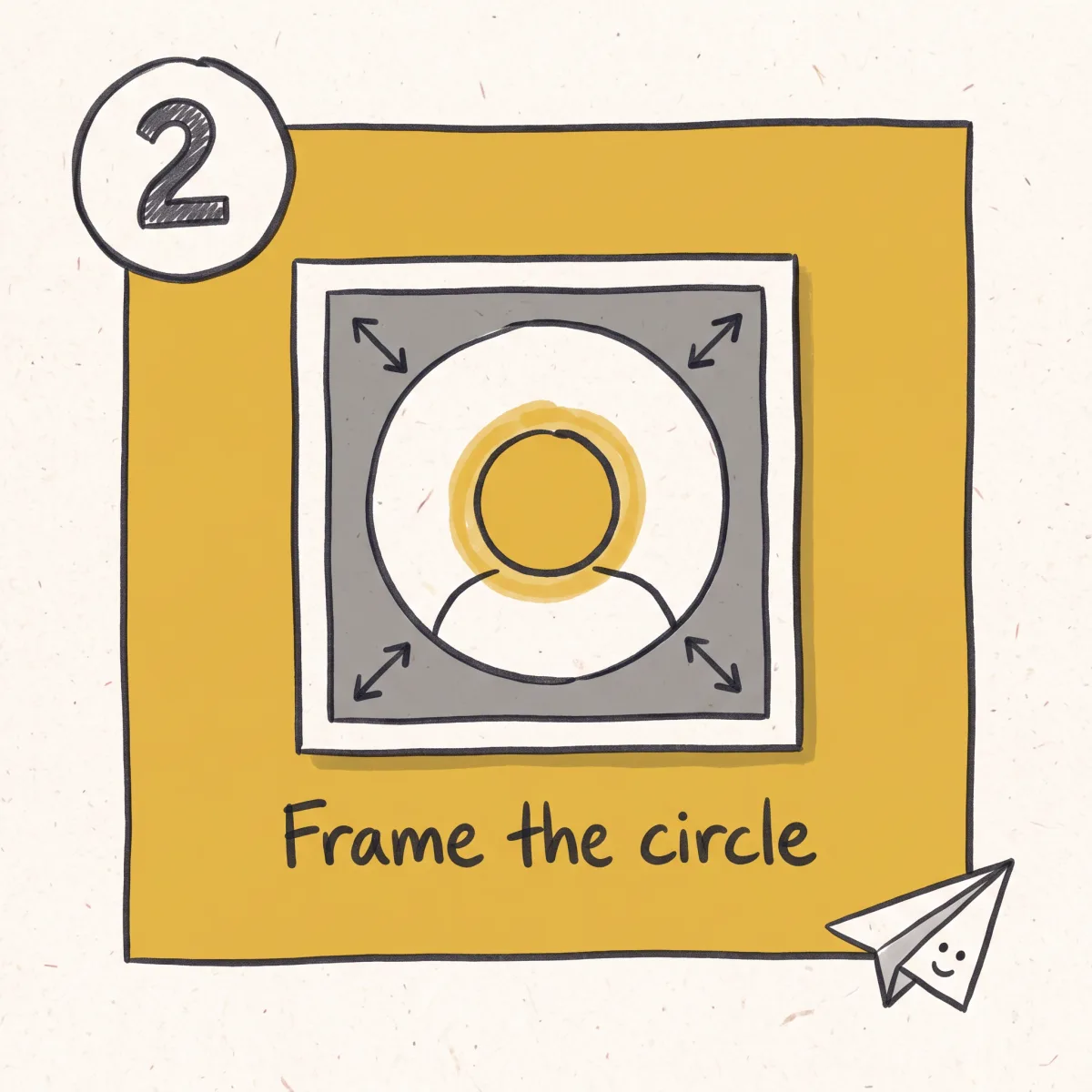
Frame the circle
Drag and zoom until the crop looks right. The preview shows the circle every platform will draw over your image.
03
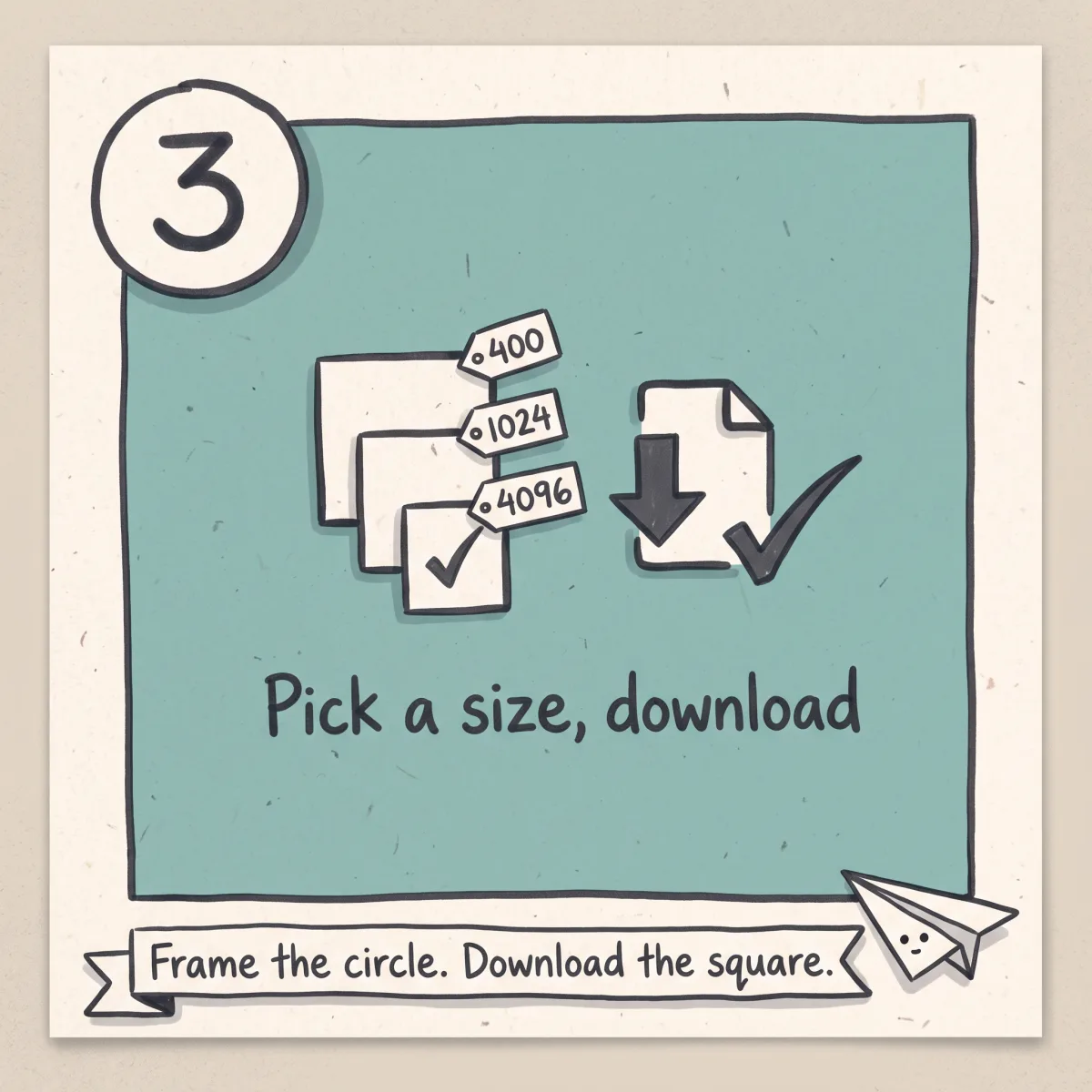
Pick a size and download
400, 512, 1024 or a custom size up to 4096. Square file by default, transparent circle if you specifically need one.
What you get
Circle preview, square export
You frame a circle because that's what people will see. You download a square because that's what the upload form wants. Both, from one crop.
No quality thrown away
Export up to 4096 pixels, or type any size you need. Uploading larger than the platform displays is the difference between a sharp avatar and a soft one.
Nothing is uploaded
The crop happens in your browser. Your photo never reaches a server, which also means there's nothing sitting on one afterwards to delete.
Transparent corners when you want them
For a site that renders on a coloured background, export a PNG with the corners cut.
Free with nothing attached
No account, no email, no watermark, no daily cap, no upsell before the download button.
Nothing worth cropping yet?
A crop can only reframe what already exists. Unsora makes the artwork itself, composed for a circle from the start, so the important part is not the bit that gets cut off. Eleven creator tools, from $19/mo, 3-day free trial.
Framing a profile picture so it doesn't get cut off
Almost every platform draws a circle over your picture. You upload a square file, the site masks it to a circle, and everything in the corners disappears. That's why a photo that looks fine in your camera roll can end up as a chin and half an ear.
So the frame is the whole job. Anything you care about, a face, a logo, a hairstyle, has to sit inside the circle, not just inside the file. The preview here shows that circle while you're dragging, so you're framing what people will actually see rather than guessing and re-uploading.
Two things that make it easier. Leave a little breathing room around a face instead of filling the circle edge to edge, because platforms shrink your avatar to about the size of a fingernail in most places it appears. And check the small preview, not the big one. If your picture only reads at full size, it doesn't read.
Circle or square, and why it matters which one you upload
This is the mistake nobody warns you about. Crop a picture to a circle in most tools and you get a PNG with transparent corners. That looks perfect in the preview. Then you upload it and it comes back with grey or black corners around the circle, or a circle inside a visible square.
The reason is that transparency and masking are two different things. The platform is already going to mask your image to a circle. It expects a full square canvas to do that with. If you hand it a file where the corners are transparent, whatever the platform does with transparency happens in those corners: some flatten it to black, some to white, some keep it and then their own mask lands slightly differently from yours.
So the default here is a square export with the circle only in the preview. You frame the circle, you download the square, the platform draws the circle. That's the version that works everywhere.
The transparent circle is still available, because there are real uses for it: a Discord or forum signature, an overlay in a stream layout, a website you control where you're placing the avatar over a background yourself. Pick it deliberately, not by accident.
What size to export, and what different platforms want
Export bigger than you think you need. Platforms downscale your upload to their own display sizes and they do it well. Nothing downscales badly. What looks bad is a small file being stretched up, and that's the failure you can't undo later.
1024x1024 is a good default for almost everything. If your source photo is smaller than that, export at the source size rather than upscaling it, because a cropper can't add detail that was never in the file. If you're cropping something you'll also use as a banner, a logo or a stream asset, take the 4096 export and keep it.
X publishes 400x400 as its recommended profile photo size and accepts JPG, PNG and GIF, and it does not support animated GIFs for profile images. That number is a recommendation for the source file, not a ceiling, so a 1024 upload is fine and generally sharper. Other platforms publish their own recommendations and change them without much notice, so check the current help page for the specific one you're uploading to rather than trusting any third-party size list, this one included.
On a phone, all of this works the same way. The drop zone doubles as a file picker, the crop is pinch and drag, and HEIC files from an iPhone are handled without converting them first. For Twitch emote and sub badge sizes specifically, use the Twitch emote resizer instead — those are a different spec from a profile picture.
When you don't have the picture yet
Every cropper assumes you already have an image you want. A lot of people looking for one don't. They have an old photo they're tired of, a screenshot, or nothing.
That gap is what Unsora fills. It registers as a tool inside ChatGPT, Claude and other assistants, so the request is just a sentence in the conversation you are already having, and the image lands in the same thread. No new app to learn, no prompt syntax, no separate tab. When you've got one you like, bring it here and frame it.
Eleven tools sit behind one subscription: image and video generation, AI influencers, clipping, subtitles, upscaling, thumbnails, music, voiceover and social scheduling. Plans start at $19/mo for 500 credits, and there is a 3-day trial on every tier. This cropper stays free either way, with nothing gated behind an account.
Next steps
Pulling a still from a Facebook video? download the Facebook video first.
No photo you like? create an avatar from a description and crop that.
Want more from your assistant? browse the skills library.
Related tools
Other free tools you might need next
Honest limits
What this tool does
- Crops any image to a square or circular profile picture, with a live circular preview while you frame
- Exports at 400, 512, 1024, up to 4096, or any custom size you type
- Exports PNG, JPG or WEBP, square by default, transparent circle on request
- Accepts JPG, PNG, WEBP, GIF and HEIC, including HEIC straight off an iPhone
- Runs entirely in your browser, with no upload, no storage, no account and no watermark
- Works the same on a phone as on a desktop
What it doesn't do
- It doesn't improve your photo. It crops and resizes, it doesn't retouch, relight or sharpen.
- It doesn't rescue a small source. Crop a 200 pixel image and export it at 1024 and you get a blurry 1024, because the detail was never captured.
- It doesn't remove backgrounds. Whatever is behind you stays behind you.
- It doesn't upload to any platform for you. You still change your picture in the app's own settings.
- It doesn't guarantee a platform will accept the file. Sites enforce their own limits and their own content rules, and both change.
- It doesn't generate a picture. If you don't have one you like, that's a different job, and it's the one Unsora does.
Checklist
What to check before you use any profile picture cropper
This category has a trust problem. The file you're uploading is usually your face, the tools are cheap to clone, and plenty of the clones exist to serve ads or collect an email. Five things worth checking on any profile picture cropper, including this one:
01
Does your photo leave your device?
Cropping is simple enough to do entirely in the browser. If a tool sends your image to a server, ask what happens to it afterwards and whether that answer is written down anywhere you can read.
02
Does it give you a square file, not just a circle?
A transparent circle PNG is the wrong upload for most platforms and it's the default output of most croppers. A tool that only offers the circle is handing you the failure case.
03
What resolution does it actually export?
Some free croppers quietly cap output at a few hundred pixels. Check the size of the file you got, not the size on the button. Anything that can't give you at least 1024 is costing you sharpness you can't get back.
04
What does it do with an animated file?
Dropping in a GIF and getting a still frame back, with no warning, is the most common silent failure in this category. Either it handles animation or it tells you it took frame one.
05
Is anything gated?
No account, no email, no watermark and no waiting queue should be needed to crop a picture. If any of those show up between you and the download button, the crop is the bait.
Need the picture, not just the crop?
Cropping is subtraction. You throw most of a rectangle away, and a face that read fine in a wide shot ends up jammed against the edge of a circle.
Unsora works the other way round. Describe the picture and it is composed for the frame it is going into, so the crop is a formality. It runs inside ChatGPT and Claude, alongside video, thumbnails, upscaling and scheduling. From $19/mo with 500 credits, 3-day free trial. The cropper is free and stays free.
Start the free trialFAQ
Common questions
What size should a profile picture be?
1024x1024 is a safe default for almost every platform. Upload larger than the site displays and let it downscale, because downscaling looks fine and upscaling doesn't.
Should I upload a circle or a square?
A square, almost always. Platforms apply their own circular mask to a square canvas. Upload a transparent circle and you can end up with visible corners or a circle inside a square.
Why does my avatar have black or grey corners after uploading?
The file you uploaded had transparent corners and the platform flattened them. Re-export as a square, with no transparency, and upload that instead.
Does it crop in a circle?
Yes. The preview is circular while you frame, so you're setting the crop against the shape people will actually see. You choose whether the downloaded file keeps the circle or stays square.
Is my photo uploaded anywhere?
No. Everything happens in your browser, so the file never leaves your device and there is nothing on a server afterwards.
Do I need an account?
No. No account, no email, no watermark, no daily limit.
What file types can I use?
JPG, PNG, WEBP, GIF and HEIC, including HEIC straight from an iPhone with no conversion step.
Can I crop a GIF and keep it animated?
Check the output before you rely on it. Many croppers take the first frame and hand you a still without saying so. Also worth knowing: some platforms don't accept animated profile pictures at all, so a still export is often what you needed anyway.
What's the maximum size I can export?
4096x4096, or any custom size you type below that. There's no cap that isn't shown to you.
Why is my picture blurry after cropping?
Your source is smaller than the size you exported at, so it's being scaled up. Cropping can't add detail that was never in the file. Start from the largest original you have.
Does it work on a phone?
Yes. Pinch to zoom, drag to frame, and the drop zone opens your photo library. Large files take longer on a phone than on a desktop.
Can I use this for a Discord, X, LinkedIn or Steam avatar?
Yes. They all take a square image and mask it themselves, so the same square export works for all of them. Check the platform's own help page for its current recommended size before you upload.
Will it add a border?
Not yet. If you want a ring around your avatar, add it before cropping, and leave room so the circle doesn't clip it.
What if I don't have a picture I want to use?
That's a generation problem, not a cropping one. Unsora makes one from a description inside ChatGPT or Claude, and you can bring it straight back here to frame.
Built and maintained by the Unsora team.
Platform profile picture requirements last verified against each platform's official help pages on August 14, 2026.
Changelog
August 14, 2026. Page published. X profile photo size and format requirements verified against X's own help documentation.