


Free tools/Snapchat video downloader
Snapchat Video Downloader
Paste a public Spotlight or Story link and save the original 1080x1920 MP4.
Only download content you have the right to save. Public content only — respect creators and each platform's terms.
- Public posts only
- No login, ever
- Nothing stored on our servers
- No watermark added by us
Only download content you have the right to save: your own uploads, Creative Commons material, or videos whose owner has given you permission. Unsora hosts nothing, stores nothing, and is not affiliated with Snap Inc. We fetch files Snapchat already serves publicly and keep no copy. We do not touch private content: this tool has no way to reach a snap someone sent you, a friend's private Story, or anything behind a login, and it never will. If a link needs an account to open, we return an error instead of a file.
How it works
01
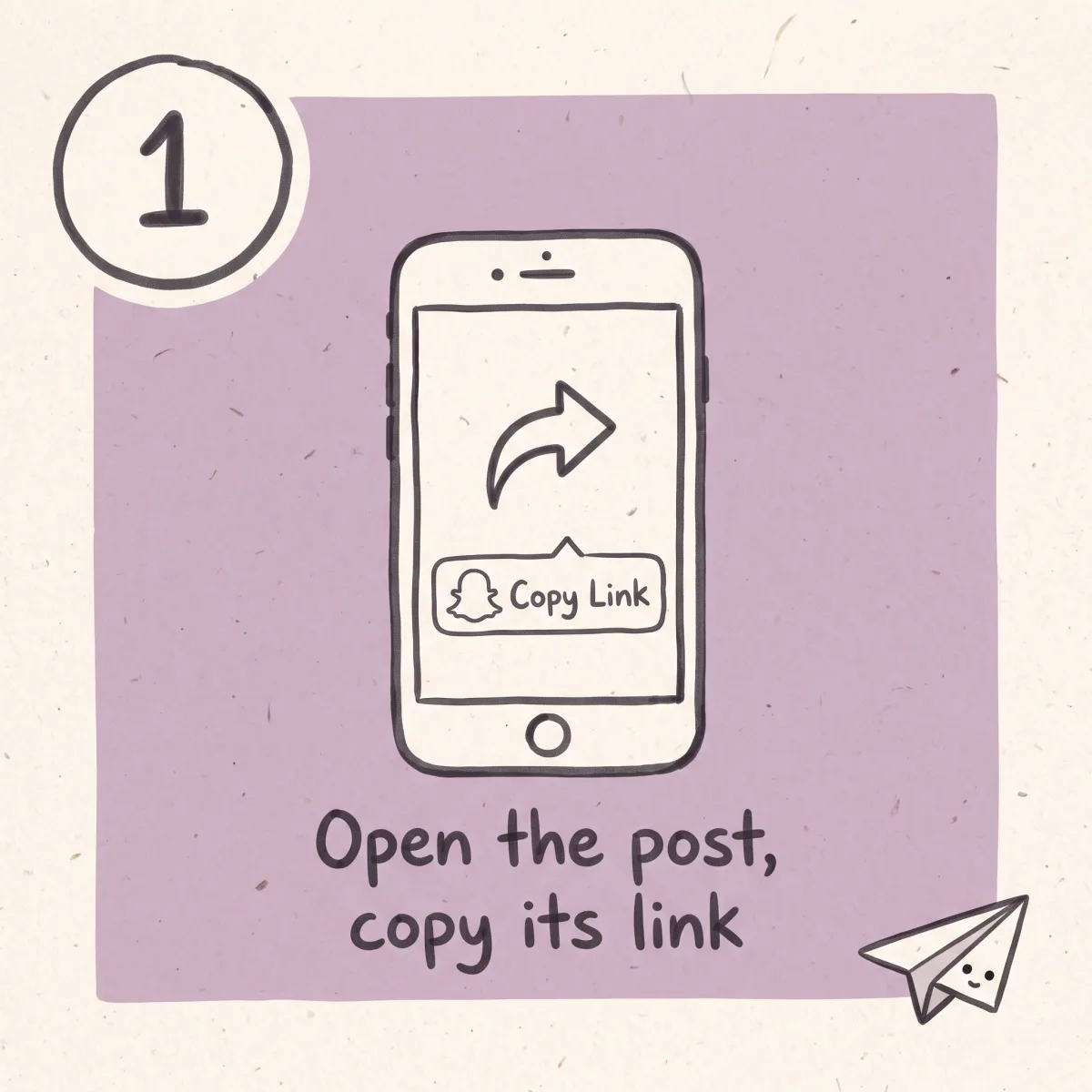
Open the post and copy its link
On a public Spotlight video, tap the arrow, then Copy Link. You get a URL that starts snapchat.com/spotlight/. A public creator profile link works too.
02
Paste it and let us read the post
We check that the link resolves without an account. If it does, you get a preview. If it does not, you get a plain error saying why.
03
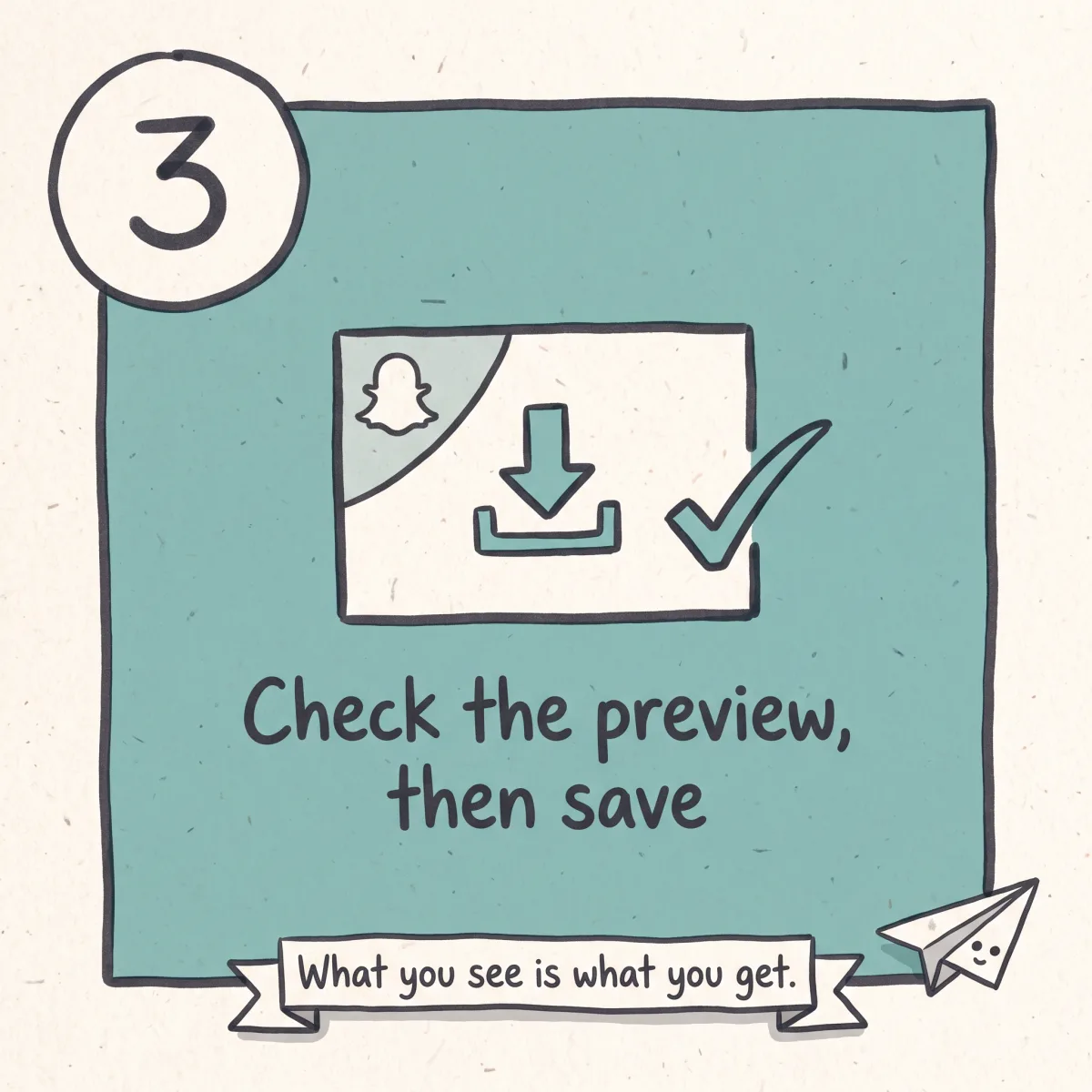
Check the preview, then save
The preview is the actual file you will get, including anything Snapchat has burned into the frame. What you see is what lands on your disk.
What you get
Public Spotlight, at source size
Spotlight posts are 1080x1920 vertical. You get that file, not a re-encode of it.
Public Stories while they are live
A Story from a public profile works for the 24 hours it exists. After that there is nothing to fetch.
A hard no on private content
Private snaps, friend Stories and chat media are out of scope by design. No login field appears anywhere on this page.
Honest about the watermark
Snapchat burns its logo and the creator's handle into some exported frames. No tool removes that. We show you before you download.
Nothing installed, nothing kept
No extension, no app, no account. The file streams to you and our working copy is dropped.
Then get it back out on a schedule
Unsora's AI clipping cuts vertical footage into captioned shorts, and the schedulers post them to TikTok, Instagram, YouTube and the rest on a calendar you set.
What this tool touches, and what it will never touch
Snapchat is the one platform built on the promise that things go away. That makes a downloader for it a different object than a downloader for YouTube, and it deserves a straight answer instead of a disclaimer in nine-point grey.
What it does reach. Public Spotlight videos, which sit in Snapchat's public short-form feed, are made to be shared and carry a public URL anyone can open in a browser. Public Stories from public profiles and creator accounts, for as long as they are live. And your own Memories, which are yours and which Snapchat will hand you itself through its data export.
What it does not reach, and never will. Private snaps sent to you. Friend Stories. Disappearing one-to-one messages. Anything that needs a Snapchat login to open. There is no setting, no premium tier and no workaround on this page that changes that list. If a link requires an account, we return an error.
That second list is worth being blunt about, because the category is full of tools that claim otherwise. A tool that offers to save a private snap without the sender knowing is doing one of two things. It is doing nothing at all, running an animation and handing you a file that is empty or unrelated. Or it is asking for your Snapchat username and password, and the credentials are the product. Harvesting logins is a documented business model in this corner of the web, and the giveaway is always the same: a login form on a page that claims it only handles public content.
The practical rule: if a downloader asks for your Snapchat password, close the tab and change that password.
Why a Spotlight link works and yesterday's Story link does not
The difference is mechanical, and once you see it the failures stop being mysterious.
A Spotlight video is a public post. It is encoded 1080x1920 vertical, served from Snapchat's CDN, and given a share URL of the form snapchat.com/spotlight/... that opens for anyone, logged in or not. That public address is the entire reason the video is reachable at all. No address, no download.
A Story is the opposite. It expires 24 hours after it was posted, and expiry is not a hidden state. The object is gone from the public surface and there is no archive behind it, so a link that worked yesterday genuinely has nothing on the other end today. Every tool on this SERP fails on that link. Most of them tell you the server is busy. It is not busy. The post is over.
Notifications, which is where most of the confusion lives. Snapchat does not notify anyone when a public Spotlight video is saved. It is a public post with a public URL, the same as a public video anywhere else. Snapchat does send a notification for screenshots and screen recordings of private snaps and chats, which is the behaviour almost everyone has in mind when they ask this question. Public post, no alert. Private snap, screenshot alert to the sender. Keep them apart.
The watermark, answered properly
Search results for this tool are full of pages promising a Snapchat download without a watermark. Here is what is actually true.
Snapchat burns its ghost logo, and often the creator's handle, into some exported and shared content at the pixel level. Once it is in the pixels it is part of the picture, exactly like a caption someone typed onto the frame. No downloader removes it, because there is nothing to remove: no separate overlay layer ships with the file, and no tool that hands you the original file can hand you a version without it.
What an honest tool can promise is narrower and worth having. We add nothing of our own. No Unsora logo, no corner badge, no intro card, no re-encode that softens the picture. You get the file Snapchat serves. If that file has a ghost in the corner, our preview shows it before you commit, so you are never surprised by what lands on your disk.
Anything that claims to strip a burned-in mark is either cropping the frame, which loses picture and leaves an odd aspect ratio, or painting over the area, which leaves a smeared patch that looks worse than the logo did.
Getting your own material out, and what to do with it next
If the video is yours, go to the source first. Snapchat's own data download, under Settings then My Data, packages your Memories and delivers a link by email. It is slow, sometimes a day or more for a large account, and it is the only complete and correct way to get your own archive. No third-party tool beats it and we would rather point you there than pretend otherwise.
Creators archiving their own Spotlight posts have an easier time: those posts are public, so the link works and the file comes back at source resolution. Doing that on a schedule is how you keep a library that does not depend on one app's retention rules.
Once the footage is on your disk, the next job is usually getting it back out — the same rule applies to other vertical short-form sources like Instagram. It is already 1080x1920, which is the native shape for TikTok, Reels, Shorts and vertical Facebook, so no reframing is needed. Unsora's AI clipping cuts longer vertical footage into short captioned pieces, and the schedulers queue those to TikTok, Instagram, YouTube, Facebook, Bluesky and LinkedIn on a calendar you set instead of you posting by hand at 7pm. All of it is also callable over one MCP connection from the AI tools you already use.
Next steps
Same clip on Facebook? download the Facebook version.
Saving it to repost? schedule it across your accounts.
Starting from scratch? generate a vertical video instead.
Related tools
Other free tools you might need next
Honest limits
What this tool does
- Public Spotlight videos with a snapchat.com/spotlight/ link
- Public Stories from public profiles and creator accounts, while they are live
- Public profile links that resolve without an account
- Your own Memories, once you have exported them from Snapchat
- Files at Snapchat's source resolution, usually 1080x1920 vertical MP4
What it doesn't do
- Private snaps sent to you, in any form
- Friend Stories and anything limited to a friends list
- Disappearing chat media and one-to-one messages
- Anything behind a Snapchat login, because we never ask for one
- Stories older than 24 hours, which no longer exist to fetch
- Removing a watermark Snapchat has burned into the pixels
- Anonymous viewing of anything private. We are not a viewer
Checklist
What to check before you use any Snapchat downloader
Seven things worth checking before you paste a link into any Snapchat downloader, here as much as anywhere else.
01
Scan for a sign-in field
There should be none. Nothing public here needs your Snapchat account, and handing one over is how accounts get taken.
02
It knows what has already expired
A Story past its day has left the service for good, and the honest response is to say so on the spot.
03
Nothing installs
A tool wanting a browser add-on is asking to sit on every site you open in return for one video.
04
Straight through to the download
No waiting screen, no counter, one button that does what it says.
05
The size it returns is the size Snapchat stored
For Spotlight that means 1080 by 1920 vertical. Anything advertising more is inventing pixels.
06
Private content is ruled out in plain words
Friend Stories and one-to-one snaps included.
07
No email is asked for
And nothing is kept once your file has landed.
You have the file. Now put it somewhere it lasts.
Snapchat is built to delete things, so anything you keep is worth more than it looks. What you saved is vertical already and sized for every short-form feed, so there is no reframing. Unsora's AI clipping adds captions and cuts it to the beat, then the schedulers send it to TikTok, Instagram, YouTube, Facebook, Bluesky and LinkedIn at hours you choose. From $19/mo with a 3-day free trial. Downloading here costs nothing, ever.
Start the free trialFAQ
Common questions
A Story link that worked yesterday does nothing today. Why?
Because the Story expired. Stories are removed 24 hours after posting and there is no public archive behind them, so the link has nothing on the other end. No tool can recover it, and any tool that appears to is showing you something else.
Can I download a private snap someone sent me?
No. This tool has no access to private content and we will not build that. Anything offering to do it is either faking the result or collecting the Snapchat login you give it.
Does Snapchat tell the creator when I save a public Spotlight video?
No. Public Spotlight posts have public URLs and saving one triggers no notification.
But Snapchat notifies screenshots, doesn't it?
For private snaps and chats, yes, the sender is told when you screenshot or screen record. That is a different situation from a public post with a public link, and confusing the two is the most common misunderstanding about this whole topic.
What is the difference between Spotlight, Stories and Snaps?
Three separate things. Spotlight is Snapchat's public short-form feed, made to be shared, with links anyone can open. Stories are posts visible for 24 hours, either to friends or publicly if the profile is public. Snaps are private one-to-one messages. Only the first is reliably public, and only public material is in scope here.
Can I get a video without the ghost logo?
Not if Snapchat burned it into the frame. It is part of the picture at that point. We add nothing of our own, and the preview shows exactly what you will get.
Do I need a Snapchat account?
No, and there is no login field on this page. If a link needs an account to open, we return an error instead of asking you to sign in.
How do I get my own Memories out?
Use Snapchat's own export. Settings, then My Data, then request the download and wait for the email. It can take a day for a large account and it is the only complete way to get your archive.
I post to Spotlight. How do I archive my own posts?
Your Spotlight posts are public, so their links work here and come back at source resolution. Save them as you publish rather than months later, so you are not depending on anyone's retention rules.
What resolution do the files come back at?
Usually 1080x1920 vertical MP4, which is what Snapchat encodes for that feed. We hand you the source file rather than re-encoding it.
Why did a link get refused?
Three usual reasons: the post was private or friends-only, the Story had already expired, or the account was set to private. The error tells you which.
Does it work on iPhone and Android?
Yes. It runs in the mobile browser with no app to install. On iOS the file lands in Files or Photos depending on how Safari is set up.
Is it free? Is there a limit?
Free, with no cap and no account. The paid Unsora products are separate and this tool is not a trial of them.
Is downloading Snapchat videos legal?
Downloading your own content is fine. Downloading someone else's depends on what you do with it, and Snapchat's terms restrict copying content off the service. Reposting another creator's video as your own is a problem regardless of which tool made the copy.
Do you keep the file?
No. The file streams to you and the working copy is discarded. We keep no library and no download history tied to you.
Can I download a whole public profile at once?
No. It is one link at a time, deliberately. Bulk scraping of other people's accounts is not something we want to make easy.
Built and maintained by the Unsora team.
Snapchat's public Spotlight and Story URL formats last checked on August 14, 2026.
Changelog
August 14, 2026. Page rewritten. Added a hard, named boundary around private content, the Spotlight-versus-Story mechanic, and the watermark explanation.