


Free tools/Loom video downloader
Loom Video Downloader
Paste a Loom share link and save the recording as an MP4, including the ones where Loom's download button is greyed out.
Only download content you have the right to save. Public content only — respect creators and each platform's terms.
- No signup and no extension
- Nothing stored on our servers
- Nothing added to the file
- Waits for the HD transcode instead of guessing
Only download content you have the right to save: your own uploads, Creative Commons material, or videos whose owner has given you permission. Unsora hosts nothing, stores nothing, and is not affiliated with Loom or Atlassian. We read what the share page already serves any visitor, and keep no copy.
How it works
01
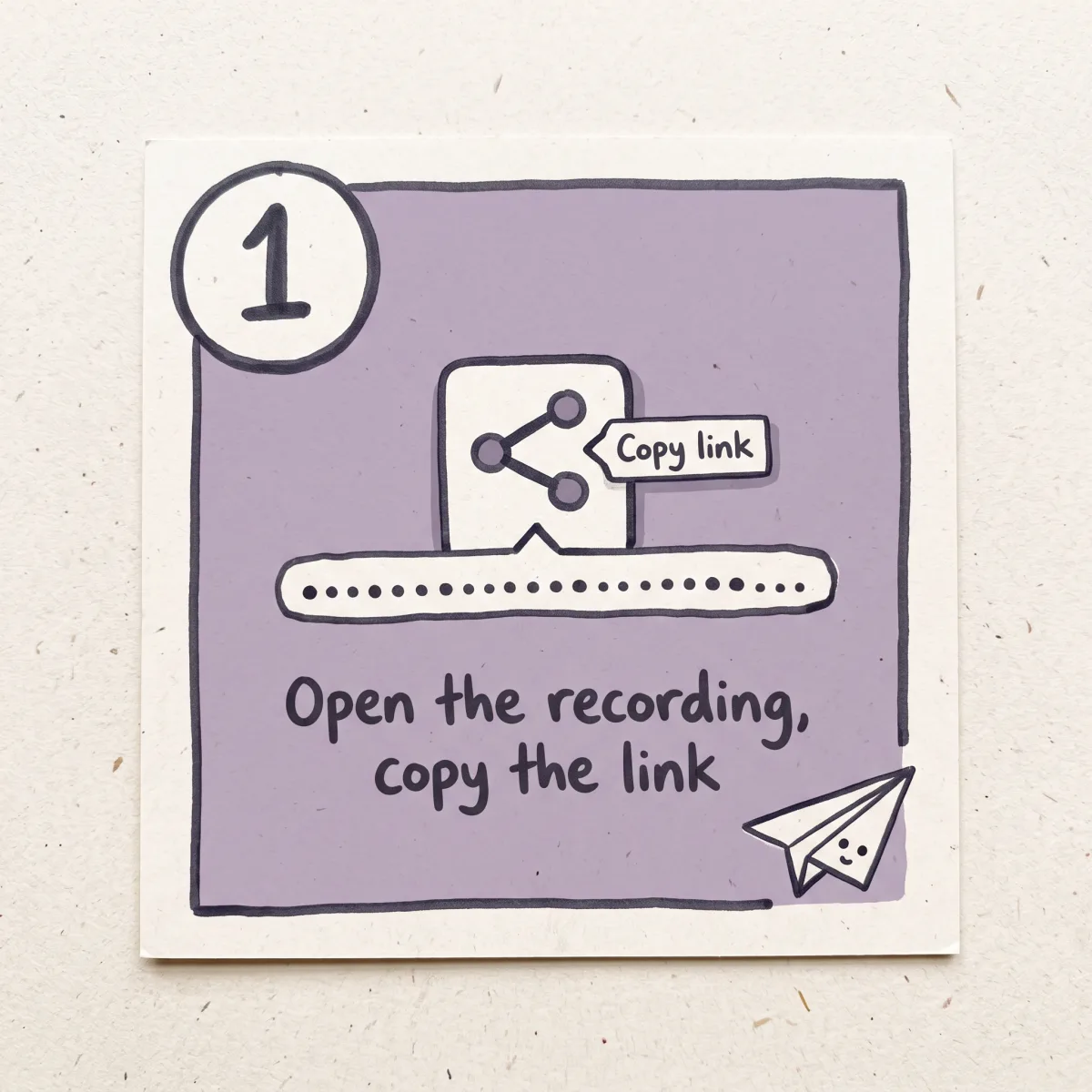
Open the recording and copy the link
Use Share then Copy link, or take the URL from the address bar. A loom.com/share/ link followed by a long string of characters is the one.
02
Paste it
We ask the share page for the same playback data your browser gets on play, and list what that recording has.
03
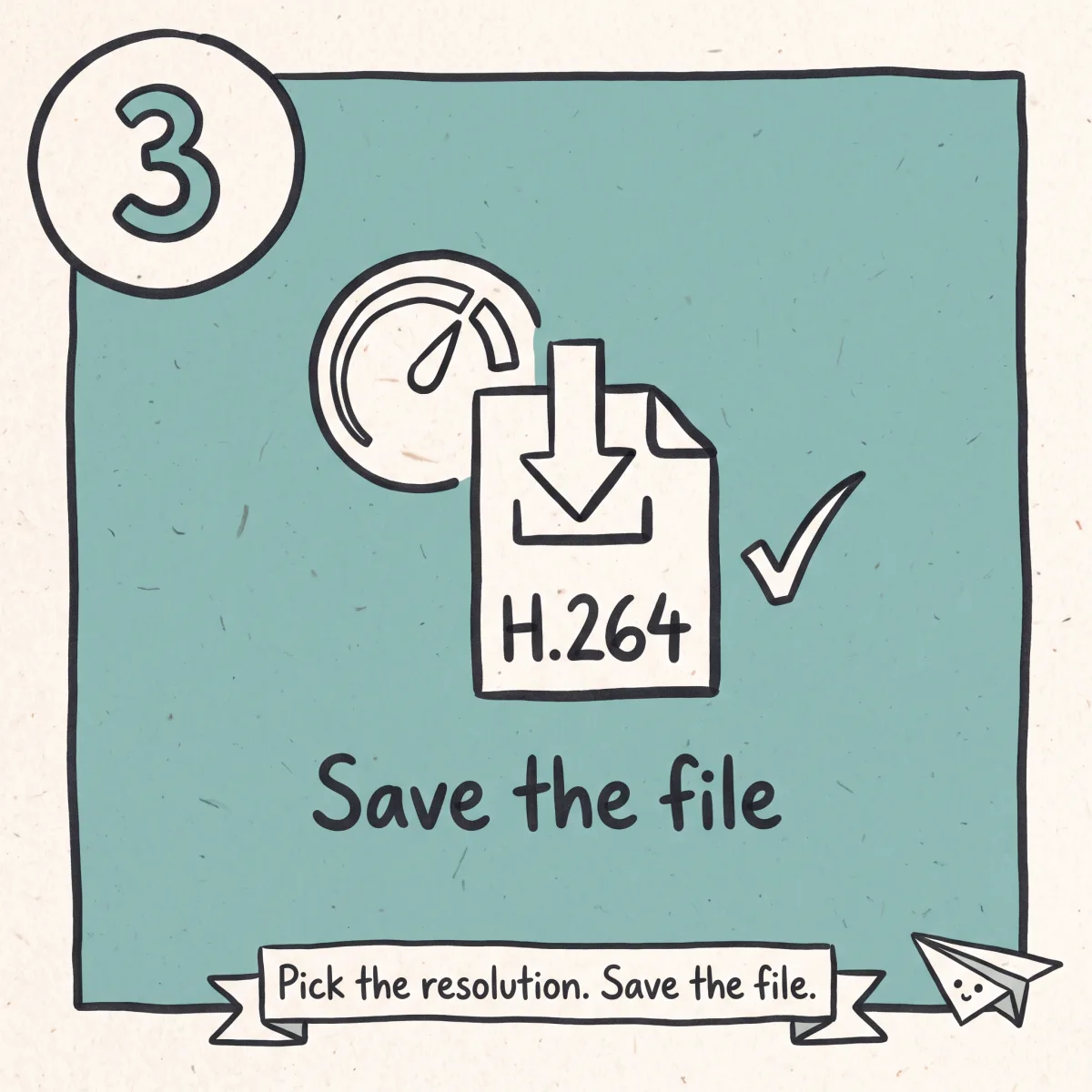
Save the file
Pick the resolution and save. You get an H.264 MP4 with the audio muxed in. No watermark, no re-encode.
What you get
Works when the button doesn't
Loom reserves its download control for certain plans and roles.
Every link shape resolves
Share links, embed links and custom team domains.
Waits for the HD transcode
If only a low rendition exists yet, we say so.
The whole recording, unaltered
Original length, aspect ratio and audio.
Nothing installed, nothing kept
No extension, no account, no copy kept.
Then cut it into something people will watch
Unsora's AI clipping cuts a 20-minute walkthrough into short captioned clips for a help centre or a post.
Why Loom's own download button is greyed out for you
Loom is a workplace tool, so the recording you want is usually yours, made on company time, in an account you may not fully control. That changes what this page owes you.
Loom does have a download button in the video's options menu, and it produces a clean MP4. It is also switched off for a large share of the people who record on Loom, in three ways that feel identical from the outside.
The free plan. On Loom's Starter plan, downloading is not included. Not throttled, not watermarked: absent. Atlassian's documentation puts download rights on Business and Business+ AI for admins and creators, and on Enterprise for admins and members. On the free tier your own recording is watchable, shareable, and not saveable. That policy is why this search exists at 500 a month.
Your role in the account. Even on a paid team, seats are not equal. Creator Lite and Viewer roles carry no download permission on any plan. Someone added to watch and comment cannot save a copy, and a viewer not signed in to Loom cannot either, whatever the owner switched on. People read the greyed-out button as a bug. It is a seat type.
An admin turned it off for everyone. On Enterprise and Business+ AI, an admin can disable downloads across the whole account in one setting. It covers videos and transcripts, applies to every member, and has no per-video override for the person who made the recording. That is where a third-party tool is the wrong answer.
If the button is missing because of a plan tier or a seat type, using a link-paste tool on your own recording is reasonable. If it is missing because your employer's admin switched downloads off deliberately, that is a data policy, and routing around it is a decision about your job rather than about software. We will not pretend those two are the same.
Most people land in the first situation: a five-minute walkthrough recorded on a free account, needed in a deck or a help article, and the product will not hand over the file.
The owner is not notified when a recording is fetched through a link. Loom shows view counts and viewer names to owners on paid plans, so the play can register as a view. There is no download alert and nothing naming the tool you used.
How Loom stores a recording, and why an early download looks blurry
Loom uploads while you record, then transcodes afterwards. The share page goes live before that work finishes, which produces the most reported problem with saving Looms: you press stop, send yourself the link, download immediately, and the file is soft.
That file is not broken. In the first minutes after a recording, the only rendition that exists may be a low one, because the higher one is still encoding. Come back after the transcode finishes and the same link serves a sharp file. Long recordings take longer. If you saved something blurry minutes after recording, wait and fetch the link again.
We check for this. If the ladder only has a low rung when you paste the link, we say the recording is still processing instead of handing you a bad file.
The video is served from a CDN behind signed URLs that expire. Those signatures are short-lived and tied to the request that made them, which is why a media URL pulled from a browser's network tab works for a while and then errors. Paste the share link instead.
Loom links come in several shapes and all point at the same asset. loom.com/share/<id> is standard, loom.com/embed/<id> sits inside an iframe in a doc or a help centre, and teams on paid plans can serve recordings from their own subdomain, so a link that never says loom.com can still be a Loom. The long hexadecimal string is the recording, and everything before it is packaging.
The downloaded MP4 is the raw recording. Chapters, calls to action, captions, and filler-word or silence removal are player features on the share page. They do not travel into the file. If you edited out the "ums" in Loom, the file still has them.
Archiving your Looms before the account changes
The most common legitimate reason to bulk-save Loom recordings is that access is about to end. Two versions show up.
The first is leaving a job. Your walkthroughs live in a company account, and on your last day it is deprovisioned along with everything in it. If any of it is yours to keep, get it out before the offboarding ticket closes. Ask first, in writing, then save.
The second is a plan change. Loom's free tier caps recordings at five minutes and the library at 25 videos, including archived ones, and at that ceiling you cannot record anything new until you clear space. Teams that downgrade land with a library that is visible and frozen. Get the files out before you delete.
This tool takes one link at a time. There is no library sweep, because doing that means asking for your Loom credentials — the same limit applies to screen recordings from a browser tab like Vimeo Record. For hundreds of recordings, ask your admin for a workspace export.
If you need the words too, copy the transcript from the share page before you go. Transcripts and captions live on Loom's side and are not baked into the MP4.
What to do with a 20-minute walkthrough once you have it
The recordings worth saving are the long ones: the onboarding walkthrough, the architecture tour, the bug repro that turned into an explanation. Nobody watches them twice.
Unsora's AI clipping cuts it into short, captioned clips, one per topic. The onboarding tour becomes eight clips attached to eight help-centre articles. All of it is callable over MCP from the AI tools you already use, from $19/mo with a 3-day free trial.
Next steps
Published the walkthrough on YouTube? save your YouTube upload.
Recording runs long? turn the walkthrough into short clips.
Want a polished version? generate an explainer video.
Related tools
Other free tools you might need next
Honest limits
What this tool does
- Public loom.com/share links, including ones shared outside the company
- loom.com/embed links from a doc, a help centre or an email
- Recordings served from a team's own custom domain
- Your own recordings when the download button is unavailable on your plan or seat
- Recordings still processing, once the higher rendition finishes
- Screen, camera and screen-plus-camera recordings, at their original aspect ratio
What it doesn't do
- Password-protected Looms. The password is checked before playback data is released
- Recordings restricted to a team account, where the viewer must be signed in and on the approved list
- Anything behind SSO. If your company signs in through Okta, Google or Atlassian, the video is gated on that identity and a pasted link carries none of it
- Videos with link sharing switched off
- Recordings deleted or made inactive after a free-plan library filled up
Checklist
What to check before you use any downloader
The category has a trust problem. Here is what to check on any tool, including this one.
01
No extension
Anything allowed to read your Loom pages can read every page you open, including your work email.
02
No sign-in with your account
A tool that wants your Loom login wants everything in the account.
03
No ad interstitial or countdown
A page that makes you wait is selling the wait.
04
One real download button
Several buttons saying Download means the site is arbitraging your click.
05
Nothing stored server-side
Ask what happens to the file after it reaches you. The answer should be "nothing".
06
Nothing added to the file
No watermark, no intro, no re-encode that softens screen text.
07
An honest ceiling
A tool offering 4K on a recording made at 720p is selling you an upscale.
Turn a long walkthrough into something people will watch
Unsora's AI clipping turns a long walkthrough into short captioned clips for onboarding docs, a help centre, or a post. From $19/mo with a 3-day free trial. The downloader stays free.
Start the free trialFAQ
Common questions
Why is Loom's download button greyed out for me?
Three reasons: you are on the free Starter plan, where downloading is not included; your seat is a Viewer or Creator Lite role, which carries no download permission; or an admin disabled downloads account-wide. The first two are plan mechanics. The third is a deliberate policy.
Does the owner get told I saved their recording?
No. There is no download notification. The playback may count as a view, and owners on paid plans see viewer names. Nothing reports a download.
My file came out blurry. What went wrong?
You almost certainly fetched it during the transcode window, when only a low rendition existed. Wait for processing to finish and fetch the link again.
Can I download a Loom that is restricted to my team account?
No. Those need a signed-in account on the approved list. Ask the owner to switch on downloads or send you the file.
What about password-protected Looms?
No. The password is verified before any playback data is released, and a pasted link carries no session that passed it.
My company uses SSO. Will that work?
No. The recording is gated on your identity provider, and a link proves nothing about who you are.
Can I download several Looms at once?
Not here, one link at a time. Bulk saving means handing over your Loom credentials. For a whole library, request an account export from your admin.
How do I save a Loom embedded in Notion, Slack or Confluence?
Click through to the recording, or right-click the embedded player and copy the video address. An embed URL works as it is.
Does the transcript or the captions come with the file?
No. Transcripts, captions, chapters and filler-word removal live on the share page. The MP4 is the raw recording. Copy the transcript separately before you lose access.
I'm leaving my job. Can I take my recordings with me?
Technically, for anything still on an open link. Whether you are allowed to is a question for your employer and your contract. Get it in writing first.
What resolution do I get?
Whatever exists for that recording. Loom transcodes from the source, so a 1080p recording gives 1080p and a 720p one gives 720p. We list what is there rather than offering an upscale.
Is this free, and do I need an account?
Free, no account, no cap on links. Unsora sells a paid AI video suite and this tool exists so people find it. It stays free.
Is downloading from Loom legal?
Saving your own recording is not a copyright question, though it can be a workplace-policy question if your employer owns the account. Saving someone else's shared recording is fine for personal reference and becomes infringement the moment you republish it. Company recordings often carry confidential material, usually the more serious risk.
Built and maintained by the Unsora team.
Loom's plan-based download permissions and transcode timing last checked on August 14, 2026.
Changelog
August 14, 2026. Page rewritten around plan and seat permissions. Added a processing check, so a recording still transcoding no longer returns a low-resolution file silently.