


Free tools/Vimeo video downloader
Vimeo Video Downloader
Paste a Vimeo link and save an MP4 in whichever resolutions that video was actually transcoded into.
Only download content you have the right to save. Public content only — respect creators and each platform's terms.
- No signup and no extension
- Nothing stored on our servers
- Real resolutions, no fixed menu
- Unlisted links work when pasted whole
Only download content you have the right to save: your own uploads, Creative Commons material, or videos whose owner has given you permission. Unsora hosts nothing, stores nothing, and is not affiliated with Vimeo. We read what Vimeo's player already serves any visitor, and keep no copy. Vimeo's Terms of Service are direct about this: they permit downloading where the owner has switched downloads on.
How it works
01
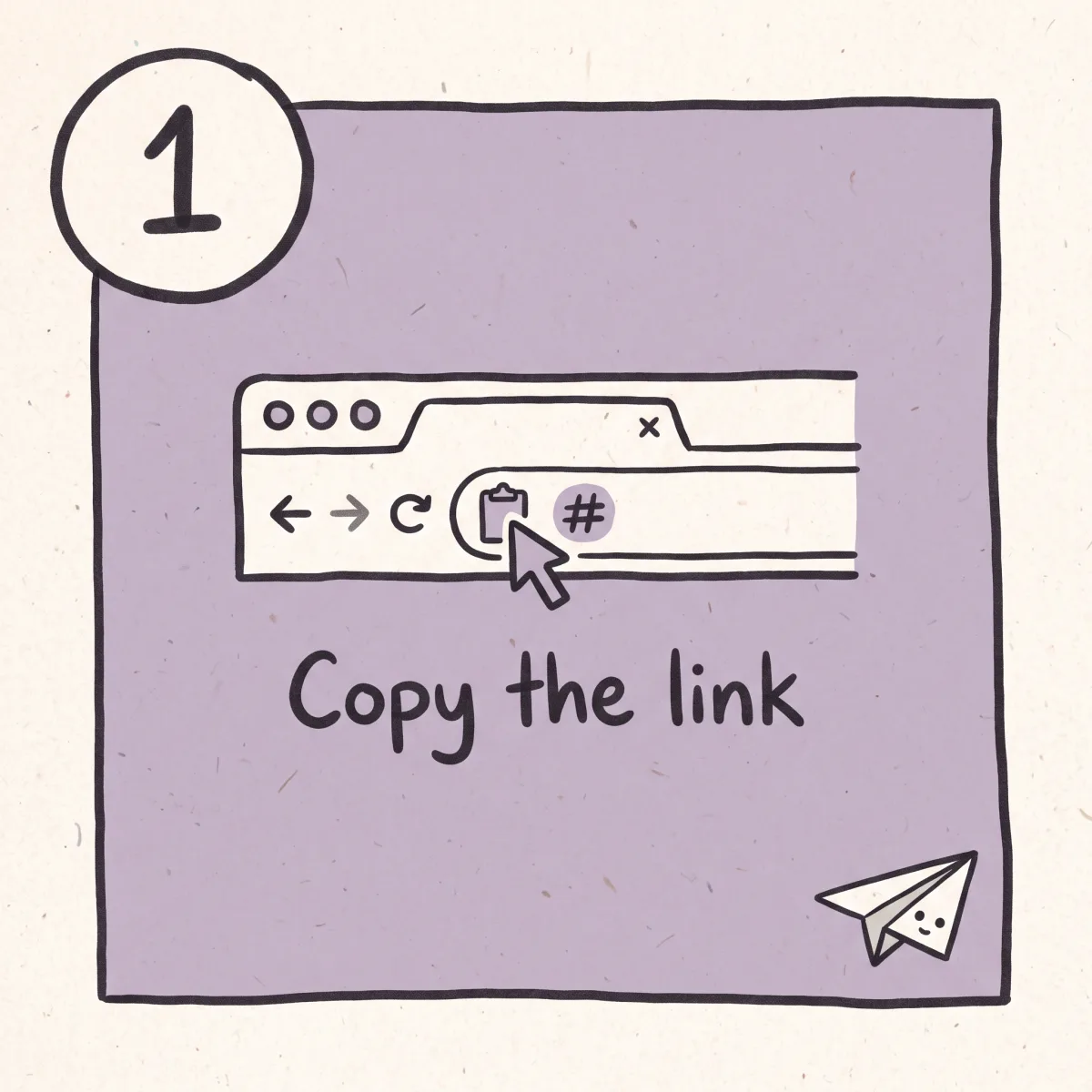
Copy the link
Take the URL from the address bar, or use Share then Copy link. Unlisted links carry a hash after the video ID. Copy it whole, or the video reads as locked.
02
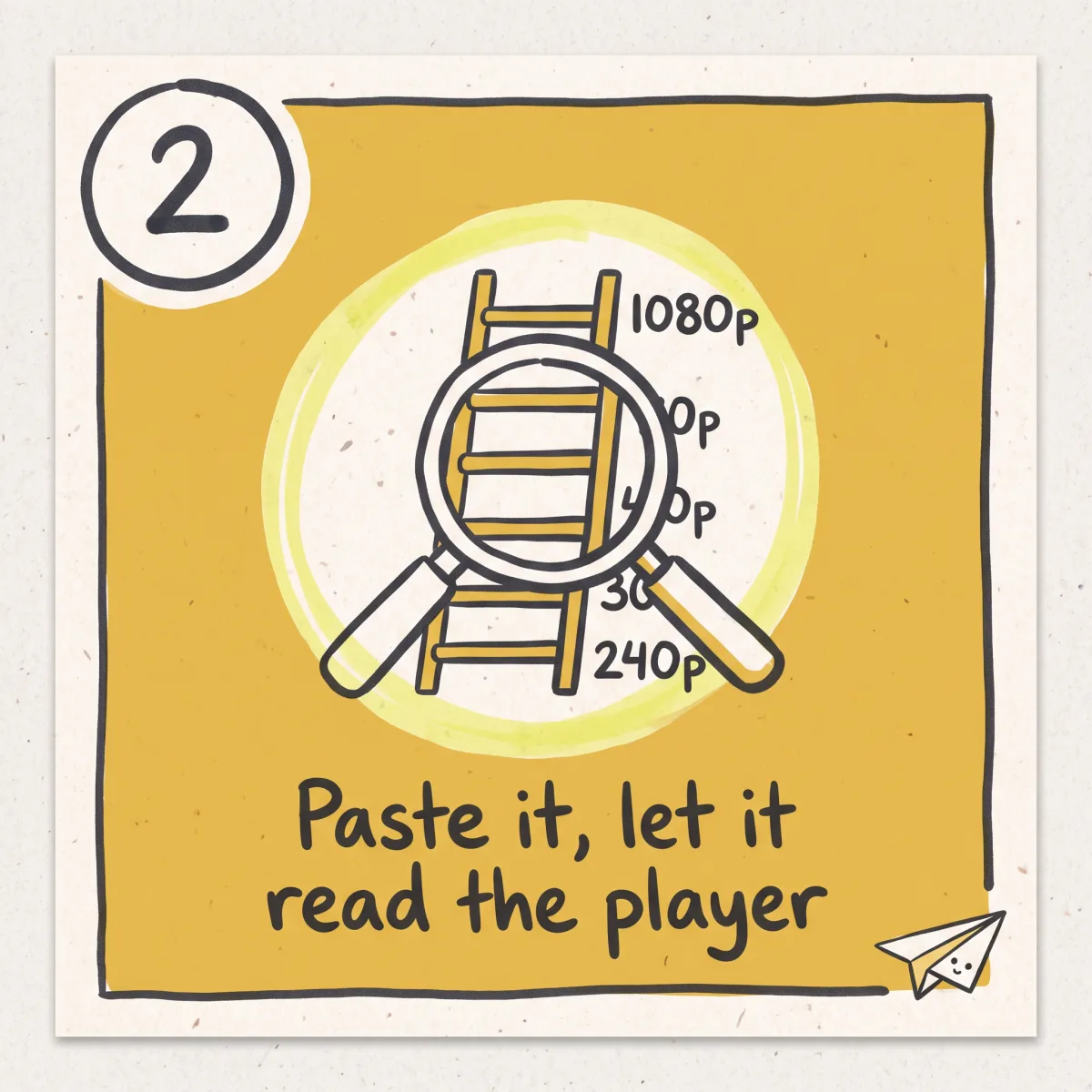
Paste it and let it read the player
We ask Vimeo's player for the same setup data your browser gets, and list every rendition that exists. If access is restricted you get told which tier, not a spinner.
03
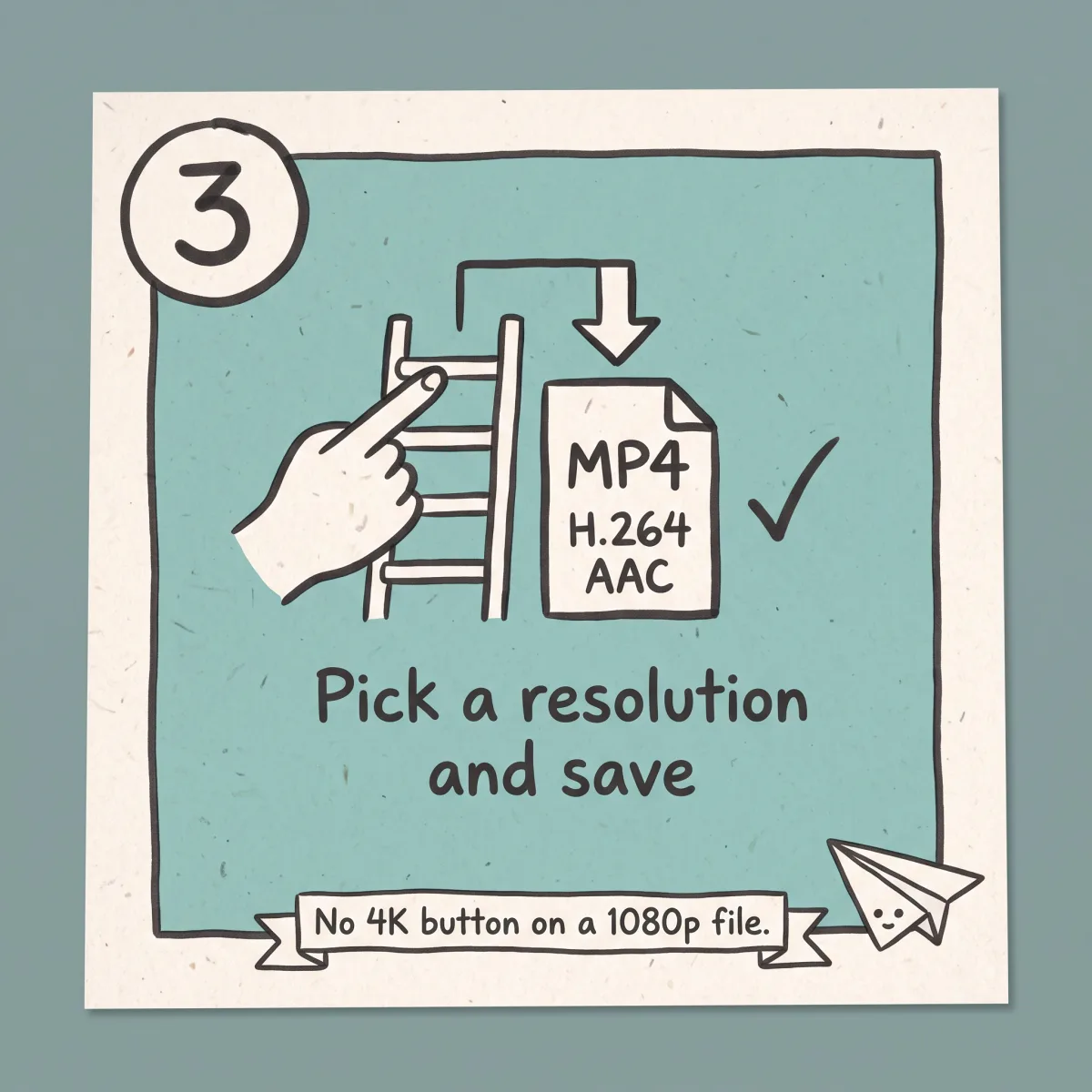
Pick a resolution and save
Choose from what is there. The file lands as an MP4, H.264 and AAC, no watermark, no re-encode.
What you get
Unlisted links work
The hash in a link-only URL is the permission. Paste it whole and the video resolves like any public one.
Real renditions, not a fixed menu
We show the resolutions Vimeo made for that video. No 4K file, no 4K button.
Embedded players resolve
A video inside an article usually has a player.vimeo.com URL behind it. That works here.
Straight answers on locked videos
Password, team-only and domain-locked videos return a plain explanation of the wall you hit.
Nothing installed, nothing kept
No extension, no app, no account. The file streams to you and the working copy is dropped.
Then cut it into something short
Vimeo holds long work: talks, reels, client edits. Unsora's AI clipping cuts a 20-minute piece into captioned vertical shorts.
What Vimeo's privacy tiers mean for downloading
Vimeo is the only major video host whose core product is access control. YouTube has public, unlisted and private. Vimeo sells a graded permission system to businesses, and every grade changes what a downloader can see. Understand it and you can predict every failure here.
Public. Listed, indexed, playable by anyone. Works.
Unlisted. Hidden from search and from the creator's profile, playable by anyone holding the link — the same as how unlisted works on YouTube. Vimeo does this with an unguessable hash on the video ID, so the URL reads vimeo.com/76979871/8272103f6e. The hash is the credential: hold the full link and you are an authorised viewer, so the file resolves normally. Paste it without the hash and it reads as locked, the most common false alarm on any Vimeo tool.
Password protected. The player loads, then demands a password before releasing playback data. That check runs on Vimeo's servers and the unlock is tied to a browser session that passed it. No link-paste tool gets around it, and there is no back door.
Domain-restricted embeds. This confuses more people than the rest combined. A creator can set a video to play only when embedded on an allowlisted site. The player checks the Referer header, so a video that plays fine inside an article returns an access error the moment you open its player.vimeo.com URL in a new tab. Nothing is broken: you are not on the page it agreed to play on. Digging the embed URL out of the source will not help, because the header is what gets checked.
Private and team-only. Visible to the owner, named collaborators or a Vimeo team account. These need a logged-in, authorised user — workspace-restricted Loom links behave the same way. Off-limits by design.
Showcases. A curated collection with its own privacy layer on top of its videos, so a Showcase can be locked while the videos inside carry different settings. Open the video itself and check its tier.
The rule that follows is the honest one: a downloader can only ever reach what an unauthenticated visitor could already watch. It is a convenience layer over a public request, not an access tool, and it cannot become one.
So any tool advertising a private Vimeo downloader is doing one of two things. Lying, and it will hand you the same access error after three redirects and a survey. Or asking for your Vimeo login, in which case the product is your account. If the video is yours, sign in and take it from your own library. Four clicks, better file.
Vimeo's own download button, and when it beats this page
Vimeo has a first-party download route, and on many videos it is the better answer. Creators can enable downloads per video. When it is on, a Download button sits under the player offering the original source file as well as the transcodes.
That matters more than it sounds. Everything else you can pull from Vimeo is a transcode, a compressed derivative made for streaming. The source file is what came out of the edit: better, and much larger.
Check under the player first. If the button is there, use it. This page is for when it isn't, the video is public or unlisted, and you have the right to save it.
Which resolutions you get, and why a 4K toggle is often meaningless
Vimeo transcodes each upload into a ladder of renditions, and the player fetches a configuration document listing which rungs exist. That document is what we read, and why different links show different options.
The ladder Vimeo uses: 360p (640x360), 540p (960x540), 720p (1280x720), 1080p (1920x1080), 2K (2560x1440) and 4K (3840x2160), all MP4 with H.264 and AAC. Note the 540p rung — it's a Vimeo-specific step most hosts don't have, and it's the most common quality complaint on this platform: people expect 480p or 720p, get an unfamiliar number, and assume the tool downgraded something.
Two things decide how far up that ladder a video goes. The source file, since a 1080p export never yields a 4K rendition. And the uploader's plan, which governs which high-resolution transcodes their account makes.
That is why a fixed 4K option on every video sells something that mostly does not exist. Where the top rendition is 1080p, that button either fails or quietly hands you the 1080p file with a 4K label. We show what the document lists, so the ceiling here is real.
One more quirk. Vimeo's modern delivery is adaptive: picture and sound sit in separate segment sets, joined by the player at playback. Older uploads sit on legacy progressive files with both in one container. A silent download is nearly always a tool that took the picture segments off an adaptive stream and stopped, or an old transcode whose audio never survived a migration.
Filmmakers, agencies, and what happens after the file lands
The people who download from Vimeo are not the people who download from TikTok. This is where directors keep reels, agencies deliver client cuts, and conference talks live. Saving is usually archival: pulling your back catalogue off before a plan lapses, or keeping a local copy of work a client paid for.
So the next step is almost always cutting. A 20-minute panel is not something anyone watches in a phone feed. Unsora's AI clipping cuts a 20-minute talk into shorts, finds the segments that hold on their own, crops them vertical and burns in captions. The schedulers push those out on a calendar you set, from $19/mo with a 3-day free trial. All of it is callable over one MCP connection, if you would rather drive it from the AI tools you already use.
Next steps
Also on YouTube? save the YouTube copy.
Reposting it somewhere new? make a thumbnail for the repost.
Trimming it down? turn a long Vimeo upload into clips.
Related tools
Other free tools you might need next
Honest limits
What this tool does
- Public videos on vimeo.com
- Unlisted videos, pasted with the hash after the ID
- Vimeo players embedded on other sites where there is no domain restriction, including player.vimeo.com/video/<id> URLs pulled straight from the embed
- Videos inside a public Showcase, opened individually, and Vimeo Record recordings on an open link
What it doesn't do
- Password-protected videos. The check runs on Vimeo's servers and no pasted link passes it.
- Private, team-only and collaborator-restricted videos. They need an authorised, signed-in account.
- Domain-locked embeds. The player checks which site the request came from, and refuses elsewhere.
- Anything behind Vimeo OTT or a paywall. Protected commercial content, and we do not touch it.
- Live events still running, and videos deleted or on a closed account.
- Resolutions the uploader's account never produced. No tool makes a 4K file that never existed.
Checklist
What to check before you use any video downloader
Seven things worth checking before you paste a link into any Vimeo downloader, here as much as anywhere else.
01
Your Vimeo password is never requested
Nothing about this job needs it, and a page asking wants the account itself.
02
Password-locked and private films are refused in writing, up front
The wrong behaviour is a spinner that runs a minute and gives up without saying why.
03
It lives in a browser tab
No installer, no add-on holding permission over everything you read.
04
The quality menu is built from the file in front of it
So a piece published only at 720p offers 720p.
05
Between the button and your download there is nothing
No counter, no pop-under, no second button dressed as the first.
06
Fetching something public takes no email address
And your file leaves the server the moment it reaches you.
07
The grade comes back the way the creator set it
With no mark of the tool's own on top.
The film is on your drive. Making it travel is the next job.
A twenty-minute talk or a finished client cut moves nowhere on a feed by itself. Unsora's AI clipping lifts the passages that stand alone, reframes them vertical and captions them, and the schedulers place those across TikTok, Instagram, YouTube, LinkedIn, Facebook and Bluesky on dates you choose. From $19/mo with a 3-day free trial. What you used above is free and always will be.
Start the free trialFAQ
Common questions
Can I download a private Vimeo video?
No. Private and team-only videos need a signed-in account with permission. No link-paste tool reaches them, and anything claiming otherwise is either wasting your time or after your login.
What about password-protected videos?
Also no. The check runs on Vimeo's servers before playback data is released, and passing it creates a browser session a pasted URL cannot carry. Ask the owner to switch the download button on.
Do unlisted Vimeo links work?
Yes. The hash after the video ID is the permission. Paste the whole URL. Drop the hash and it reads as locked.
The video plays fine on a website but fails when I paste the link. Why?
It is almost certainly a domain-restricted embed. The player checks which site the request came from and plays only where the creator allowlisted it. Nothing gets around that from outside.
Can I download a Vimeo video embedded in an article or course page?
Usually, if it has no domain restriction. Right-click the player and copy the video URL, or take the player.vimeo.com address from the embed.
Should I use Vimeo's own Download button instead?
If it is there, yes. It gives the original source file, not a streaming transcode.
Why is there no 4K option on my video?
Because that video has no 4K rendition. Vimeo makes only what the source file and the uploader's plan support. We list what exists rather than a button that fails.
What is 540p and why did I get it?
A rung on Vimeo's ladder that most platforms skip, between 360p and 720p. If it is the top option, it is the best that video has.
My downloaded file has no sound. What happened?
Either the tool took the picture stream off an adaptive delivery and stopped, or it is an old upload whose audio never survived Vimeo's transcode migrations. We check first.
Do Vimeo Showcase videos work?
Open the individual video first. A Showcase carries its own privacy layer on top of its videos, so the two can sit on different tiers.
What about Vimeo Record screen recordings?
They work on an open share link. Team-restricted recordings do not, for the same reason team-only videos don't.
Do you have a Chrome extension?
No, deliberately. An extension allowed to read Vimeo pages can read every page you open. Pasting a link does the same job.
Is this Vimeo video downloader free, and do I need an account?
Free, no account, no cap on links. Unsora sells a paid AI video suite and this tool exists so people find it. It is not a trial.
Is downloading from Vimeo legal?
Vimeo's Terms allow downloading where the owner has enabled it. Saving a public video for your own use is generally tolerated in most places, and republishing someone else's film as your own is copyright infringement however you got the file. Vimeo is full of independent work by people who earn from it. Ask. General information, not legal advice.
Built and maintained by the Unsora team.
Vimeo's privacy tiers and rendition ladder last checked on August 14, 2026.
Changelog
August 14, 2026. Page rewritten. Four privacy tiers explained, the fixed 4K resolution picker replaced with real per-video renditions, and the incorrect password-share-link claim removed.